The names are written down
Who is in it, where and roughly when, in the caption. It stays with the photo, for good.
Photos, voice notes and stories kept, with the names, the place and roughly when written in the caption. And a real family tree that shows where everyone belongs.
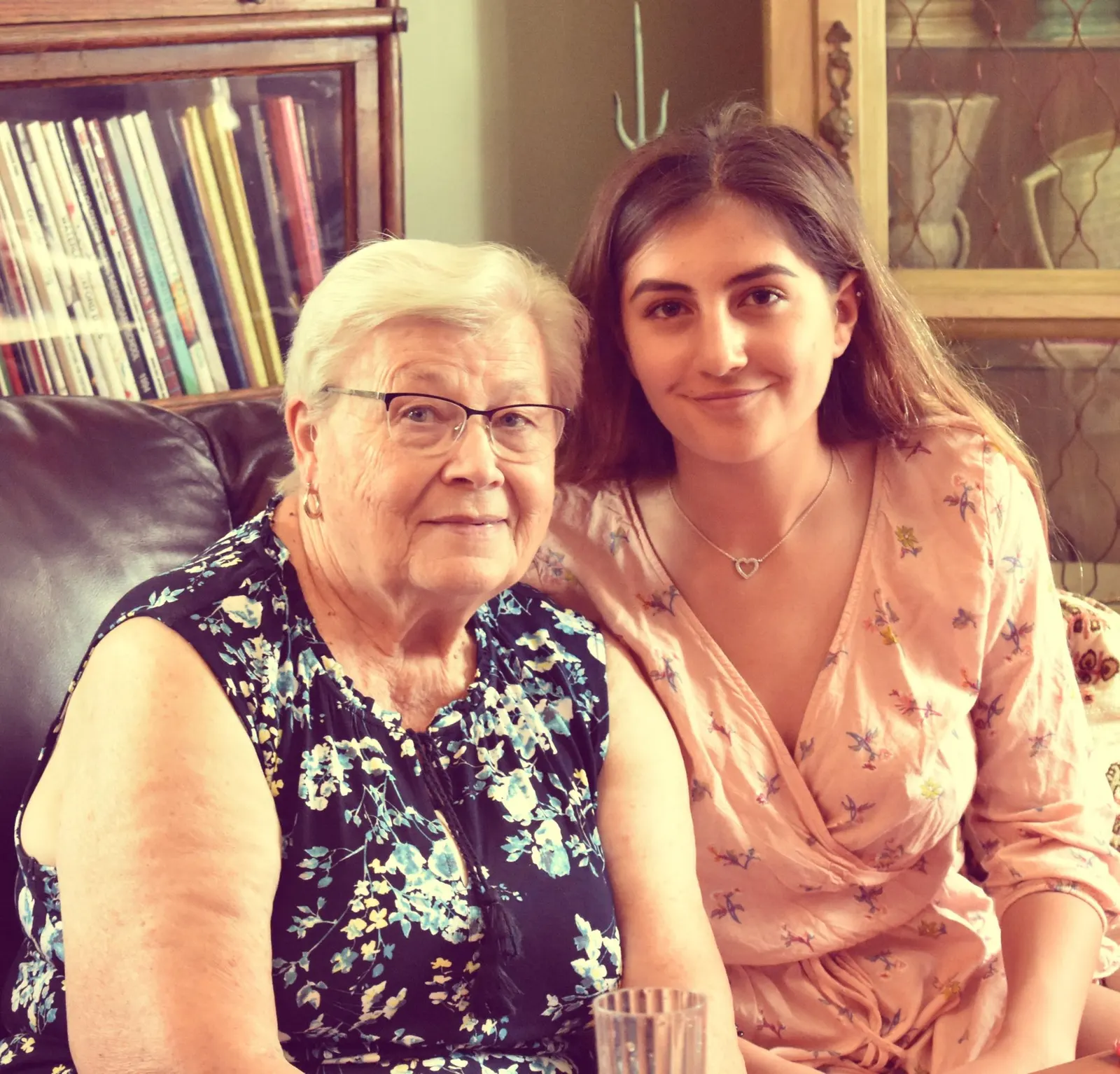
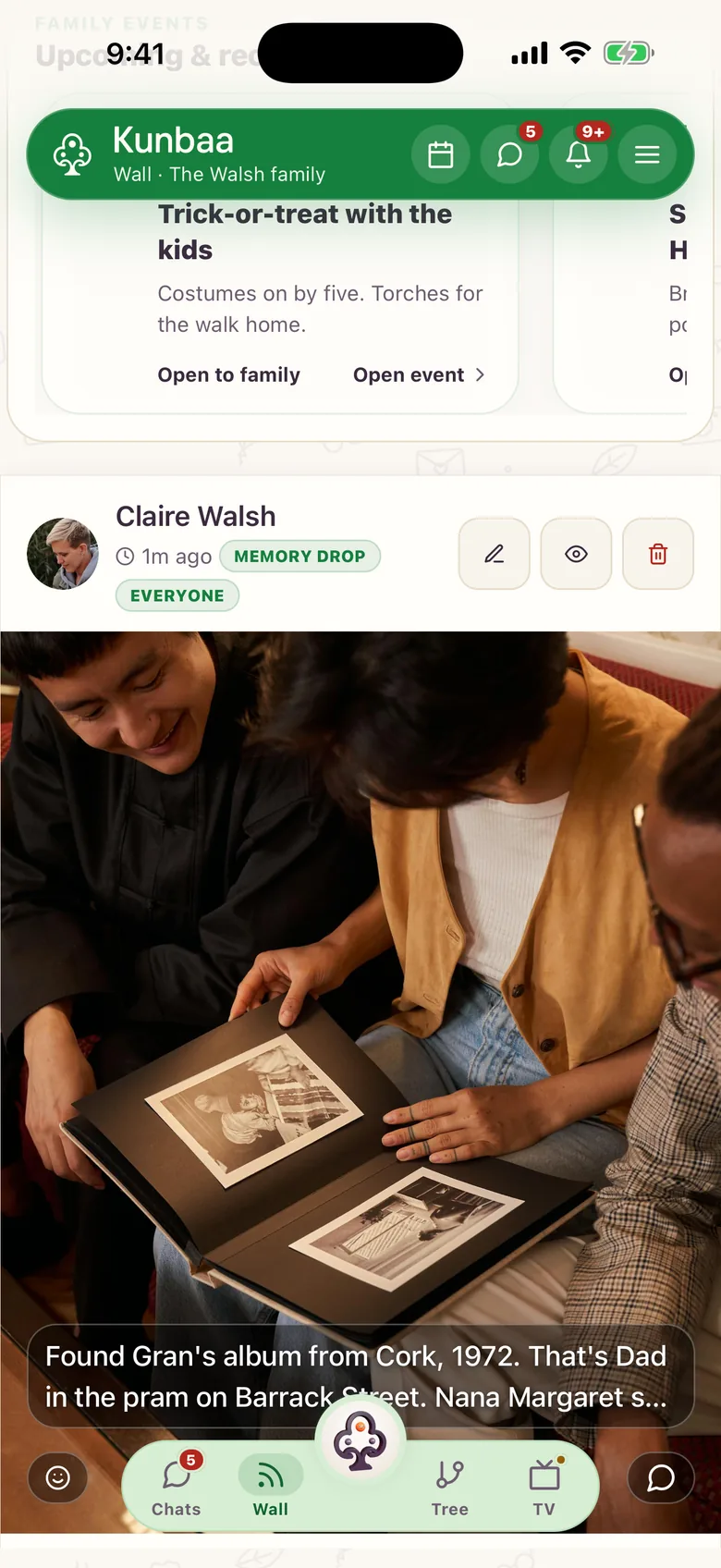
A photo becomes useless once nobody remembers who is in it, where, or why it mattered; in Kunbaa you write that into the caption the day it goes up.
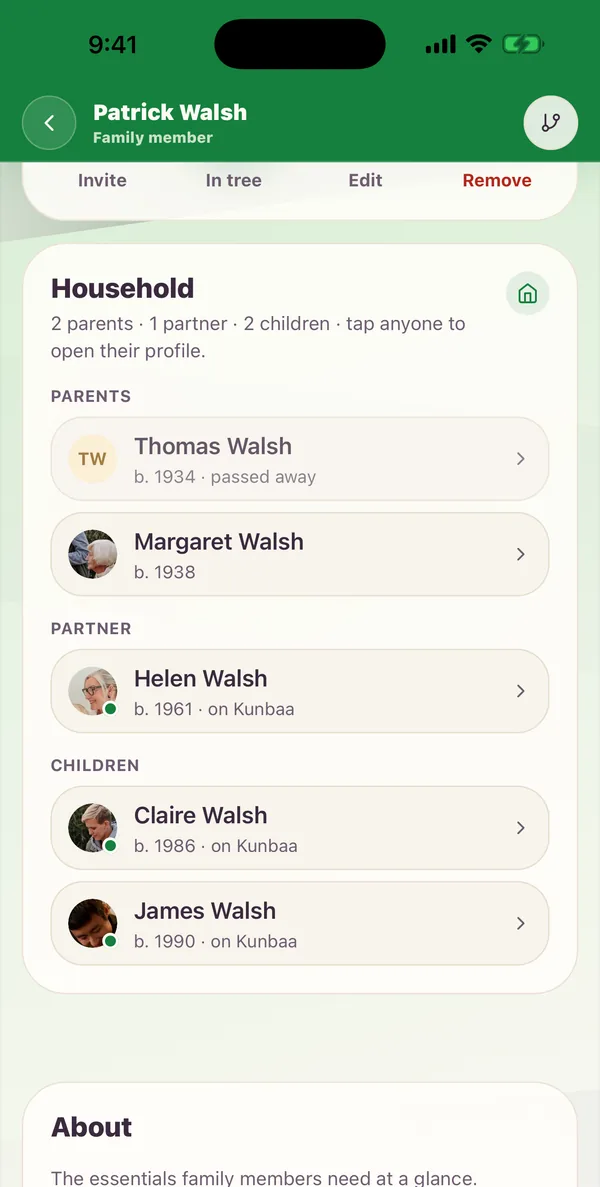
And because a real family tree sits beside the archive, “who is she to us?” is recorded too.
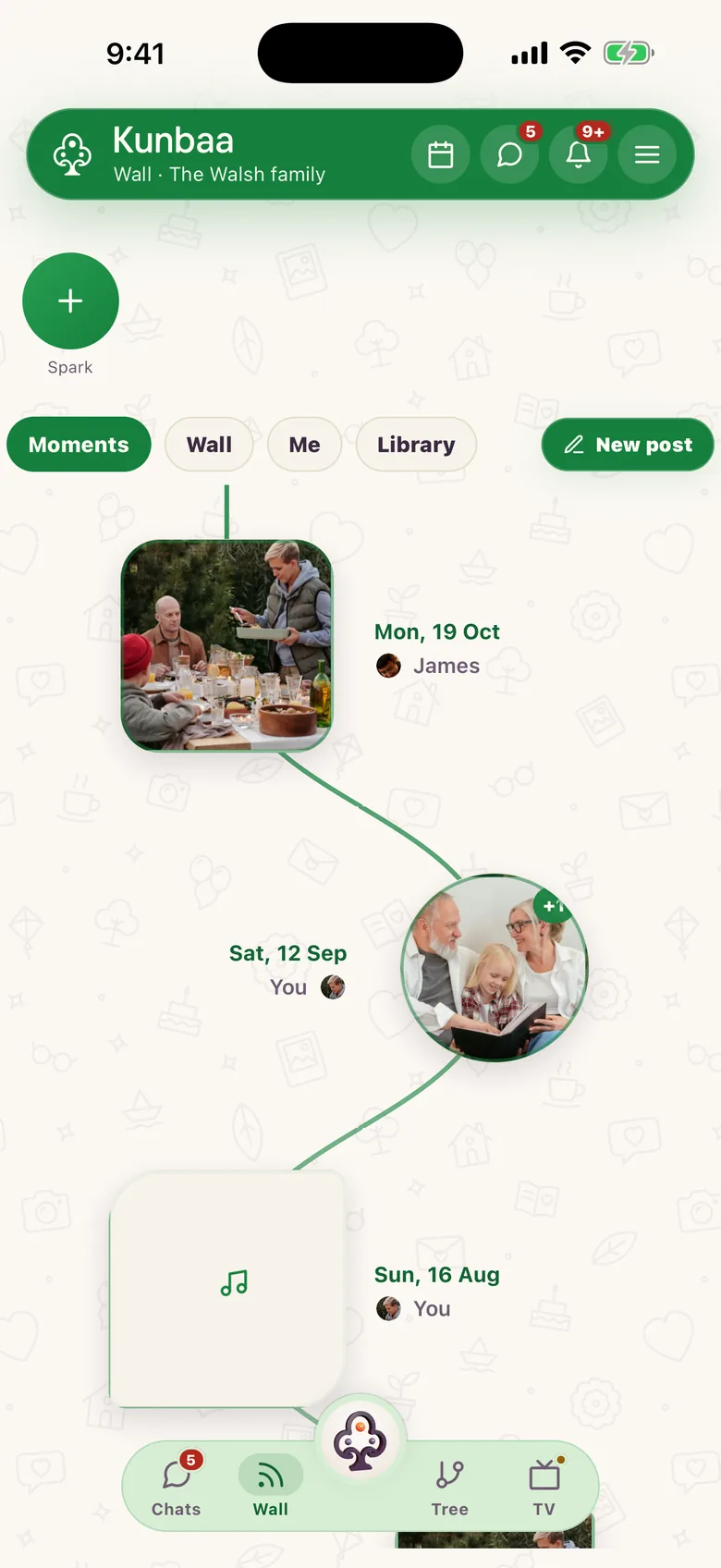
The people who remember the 1970s photos won't be reachable forever. Ask relatives to add names, captions, pronunciations and stories to the memories they know best, before the details fade.
One page per feature, with what it does today and the honest limits.
That is the question a family archive has to answer, and most cannot, because nobody wrote it down. In Kunbaa you write it down as you go: the names, the place and roughly when, in the caption, on the profile of the relative who shared it.
Photo apps know a face keeps recurring; they do not know she is your mother, let alone your wife’s father’s sister. Kunbaa keeps a real family tree beside the archive (who everyone is, how they connect, everyone’s birthdays), so the archive is still understandable forty years on.
Chats are for talking, not keeping: photos and videos sent through messaging apps are compressed substantially, and chat media can expire from the servers, so re-downloading an old photo can fail if the sender no longer has the original. Let the group carry the talking; give the originals a home.
Every family starts free with a shared starter allowance: enough to begin, not enough for a real family archive. Kunbaa Plus at $9.99/mo or $99.99/yr buys the room for the scanned albums, the wedding videos and the voice notes; one person pays, everyone else joins free. Starting from scratch? Begin with the tree (how to build a family tree), then add photos and stories. For everyday photos see private family photo sharing; for this week's moments, capturing family moments.
More questions? Read the full FAQ or the help centre.
Photos, videos, documents, recipes, voice notes and family stories. Each kept with the people, date and event that explain why it matters.
Photo apps organize by face, album or date and leave the meaning out; Kunbaa keeps a real family tree (who each person is, how they are related, their birthdays) beside a private archive with the names, the place and roughly when in each caption.
Yes. Multi-photo posts lay out as a collage grid, so a trip stays in a single memory.
Yes. Media lives inside your invite-only family space: your family's data never sold, never used to train AI, and everything shared only with the family.
Everyone joins free, with room to build the tree and start the photos. Kunbaa Plus, $9.99 a month or $99.99 a year (17% less, about $8.33 a month for the payer's household), keeps longer videos, room for the whole family's archive, and the photos and videos from the family chat; one person pays, on kunbaa.com or in the app, and their household is covered.