Navratri 11 to 19 October 2026
Navratri greeting card for your family
Type your family's name, pick a style, an animation and a line, and send it before the first lamp is lit. Free, and nothing to sign up for.
Any language. It stays on your card, nowhere else.
The nine nights of Navratri 2026
Navratri runs 11 to 19 October 2026*. Each night belongs to one form of the goddess. Families and calendars sometimes count the nights a little differently, so go by the one your family keeps.
Night 1
Shailaputri
Sunday 11 October
Night 2
Brahmacharini
Monday 12 October
Night 3
Chandraghanta
Tuesday 13 October
Night 4
Kushmanda
Wednesday 14 October
Night 5
Skandamata
Thursday 15 October
Night 6
Katyayani
Friday 16 October
Night 7
Kalaratri
Saturday 17 October
Night 8
Mahagauri
Sunday 18 October
Night 9
Siddhidatri
Monday 19 October
Many families wear a colour a day. Which colours depends on the region, the family and the year, so we don't list one.
Plan garba night with your family
Make an event for each night your family meets, invite everyone, and see who is coming. Relatives in other cities and countries see the same plan.
See how family events work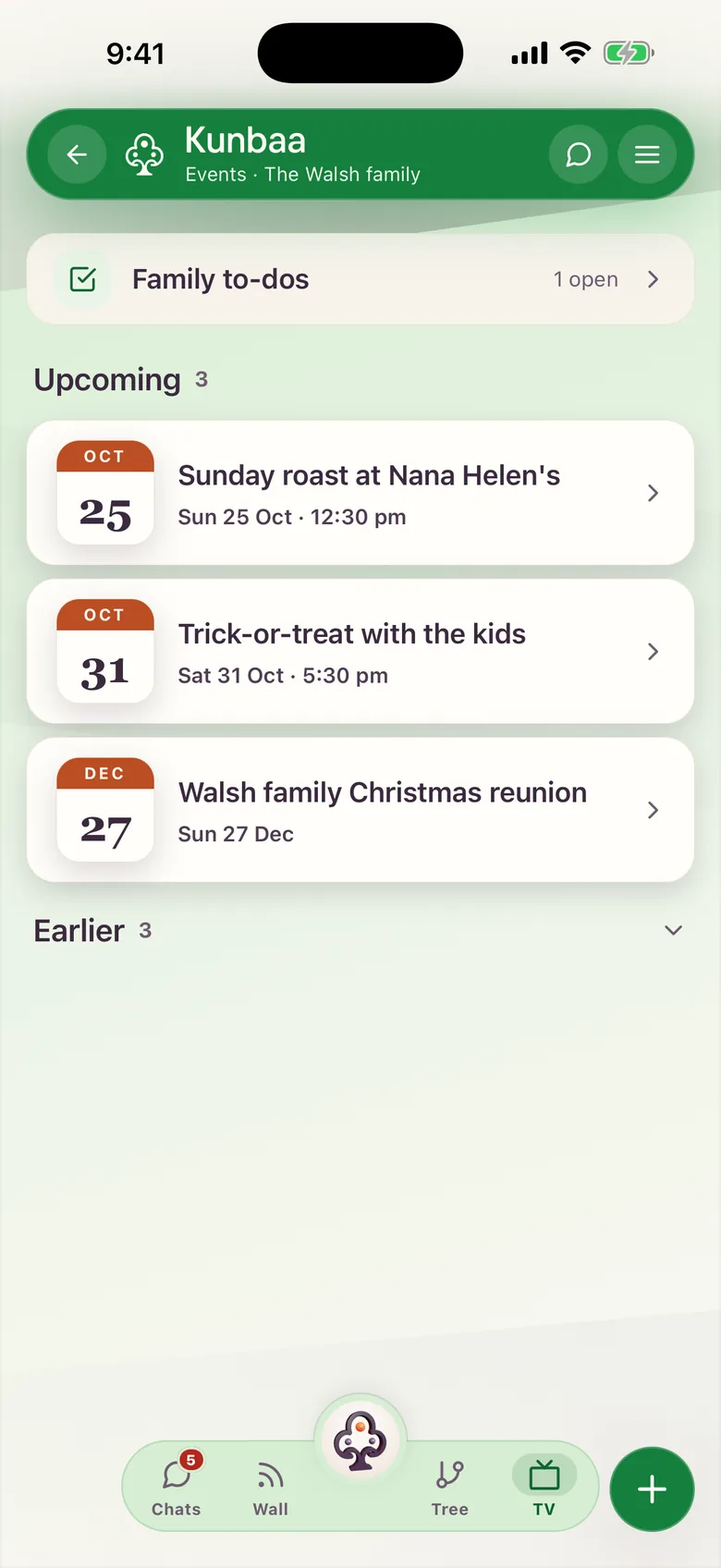
Keep this year's Navratri
Put the garba photos in one place the whole family can open, and give every relative their place on the family tree.
Share festival photosBuild your family tree


How Kunbaa keeps your family close
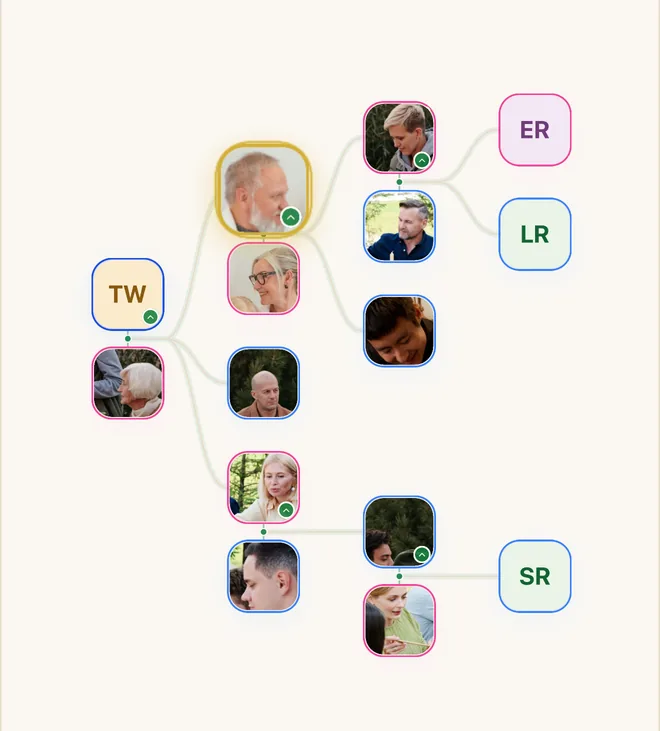
The family tree
Every branch in one place, across countries.
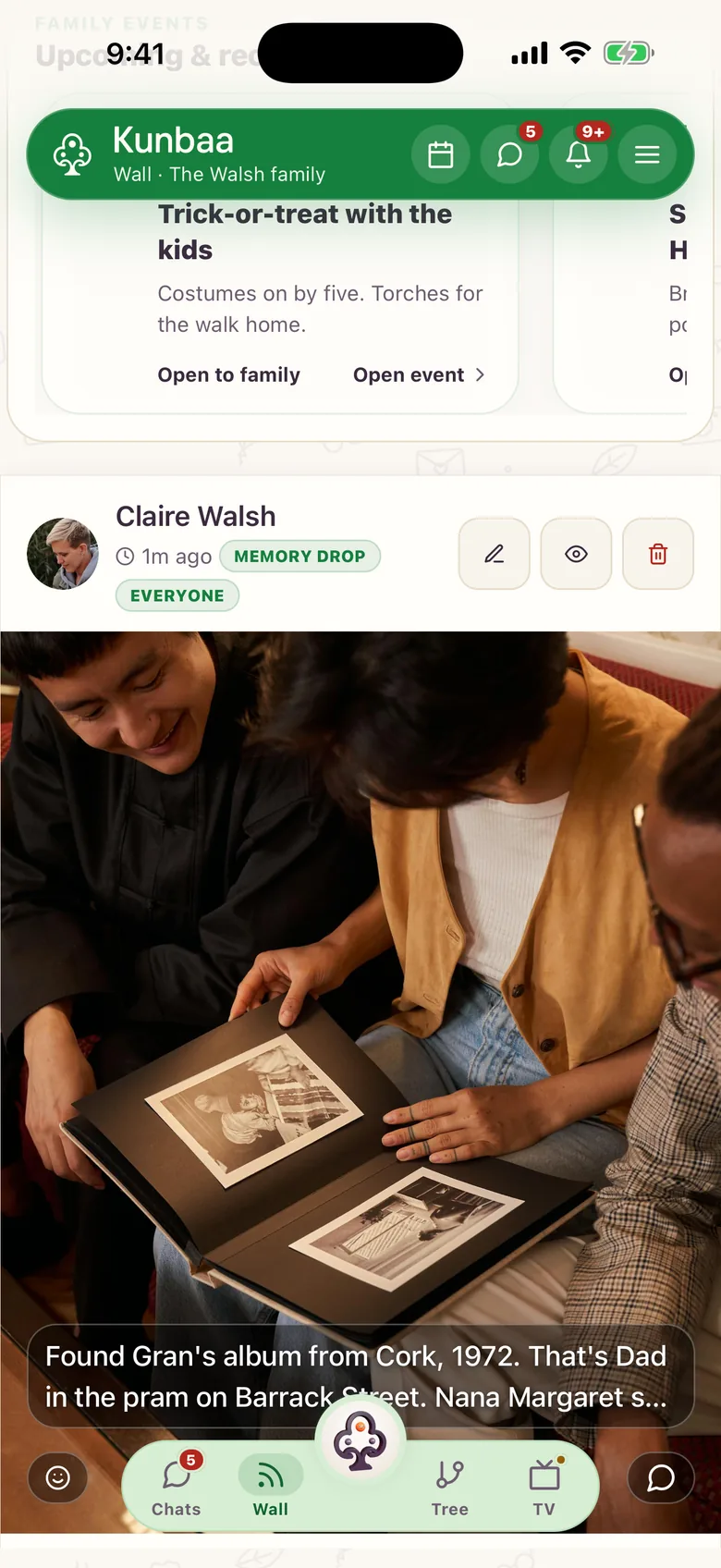
Moments
Festival photos you share with your family.
Festivals and events
Plan garba night together: who comes, on which night.
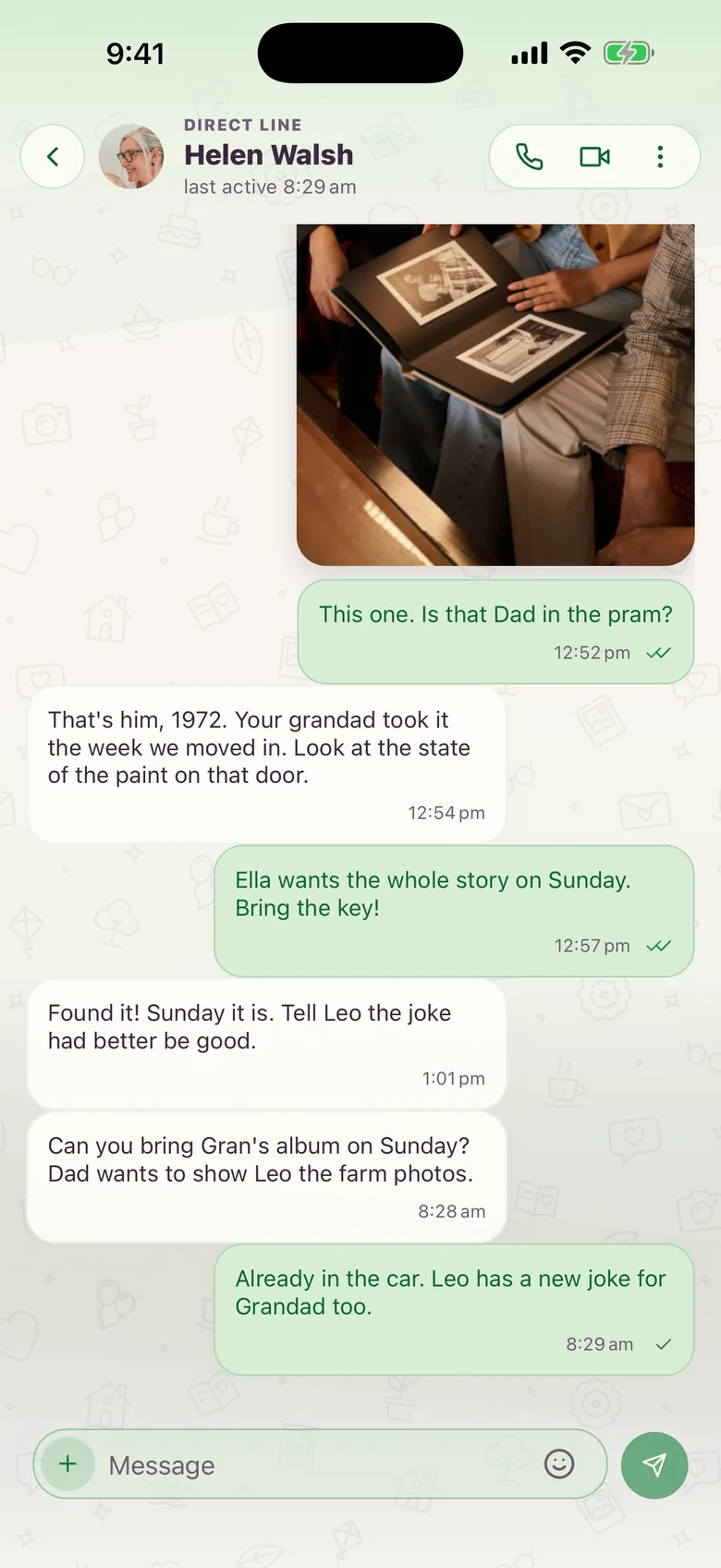
Chat and calls
Talk every day, one-to-one voice and video.
An idea, not a feature
Would you use a family video greeting?
Collect a short video from every relative and play them together on Diwali morning. Would you use it?
It isn't built, and there is no date. We aren't asking for your email.
Frequently asked questions
More questions? Read the full FAQ or the help centre.
Is the Navratri card free?
Yes. Make as many cards as you like, with nothing to sign up for.
Does Kunbaa keep my card or my family's name?
No. The card is drawn when someone opens the link and nothing is stored. The name you type travels in the link you share, and that is the only place it goes.
Does the person I send it to need Kunbaa?
No. They open the link or the picture in WhatsApp, Instagram or any app. If they want to make their own, the page shows them how.
How do I put it on my WhatsApp Status or Instagram Story?
Choose the Story shape, then Share the card. On an Android phone with Chrome it opens your share sheet with the picture ready; elsewhere it saves the picture to add from your photos.