Make photos findable for years
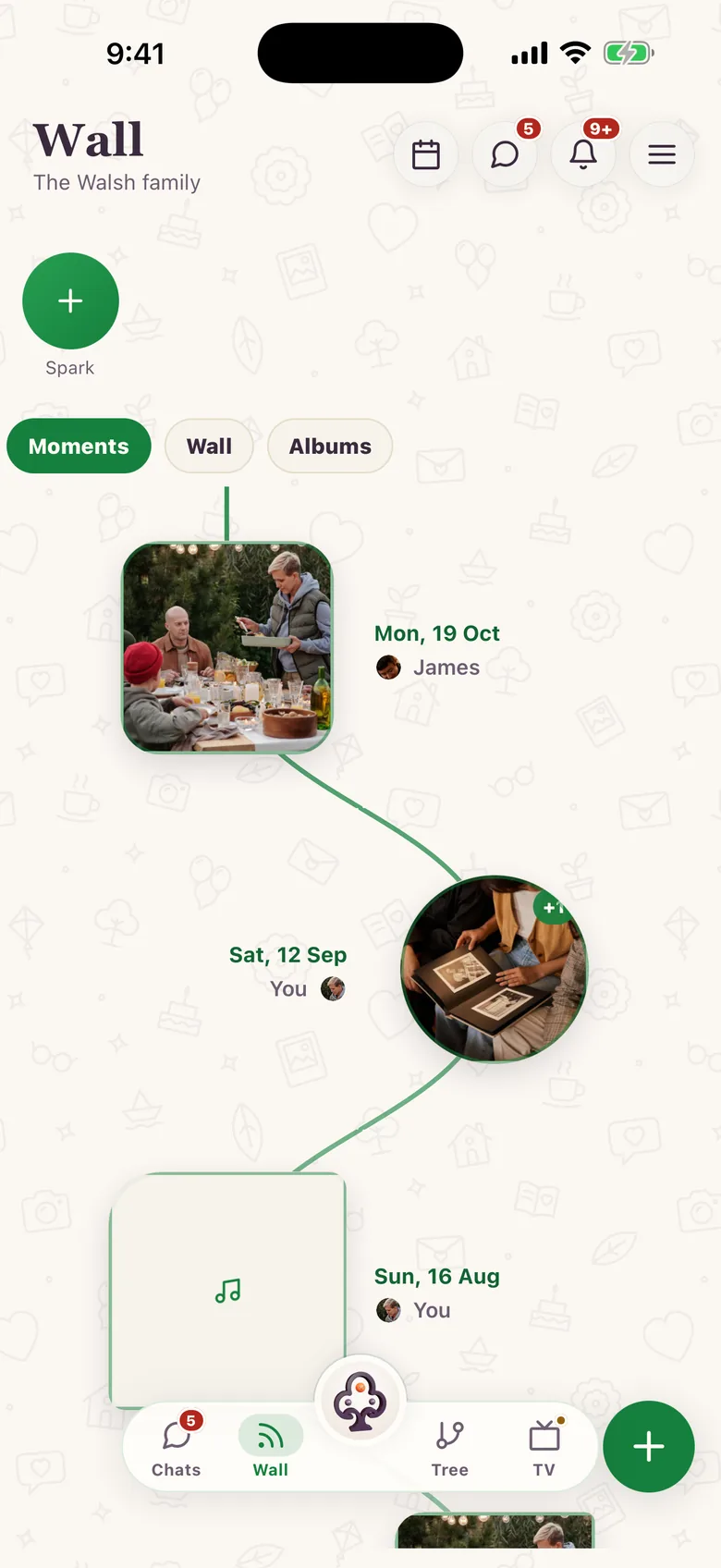
Structure beats scrolling. But the structure does not have to be complicated. The single habit that separates an archive from a pile of uploads is this: write who, where, and when into the caption, every time. Captions are text, text is searchable, and a caption written today is still readable in twenty years. Then file the highlights in Moments so the family can walk the timeline.
Agree your conventions (5 minutes)
- Write people’s full names the same way every time (First Last)
- Use city, then region, for places (e.g., "Lahore, Punjab")
- Default to month and year if the day is unknown (1998‑05)
- Re‑use the same event name across every photo from that day
- Add one line of why: the detail nobody else will remember
| Write this | Example | Why it helps |
|---|---|---|
| People | Aisha Khan, Omar Khan | A name typed once is a name you can search for |
| Place | Lahore, Punjab | City plus region survives border and name changes |
| Date | 2010‑06 | Month and year is genuinely enough |
| Event | Khan family reunion | Re‑use it verbatim so the day stays together |
| Context | "Last summer in the old house" | The part no future search could reconstruct |
A workflow that survives 200 photos
- Upload a batch from one event or one time period, not your whole camera roll.
- Caption the 10–20 shots that actually matter, using the conventions above.
- For the rest, a shared one‑line caption naming the event, place and month is plenty.
- File the best of them in Moments so they sit in the family timeline.
- Ask the relative who was there to correct you in the comments. They will.
Photos gather around the person who shared them
There is a second kind of organization you get without doing anything: every relative's profile collects the photos, videos and stories that relative posted. Open your uncle's profile and you are looking at his contributions to the archive in one place. It is a good reason to encourage relatives to upload their own shoeboxes themselves rather than mailing you the files. What they post lands on their profile, in their voice, attributed to them.

Why captions, and not a folder tree
Folders force one answer to "where does this belong?": the trip, the person, or the year. A caption sidesteps the question entirely: write all three, and the photo is reachable from all three. It also travels. Export the file anywhere and the caption is still the record of who and where; a folder name is lost the moment someone re‑files it.
Frequently asked questions
- How much should I write?
- Clarity over volume. Names, place, month and year is enough for most photos. Save the longer story for the ten or twenty that deserve one.
- What if I don’t know the date?
- Use the month and year you are fairly sure of (e.g., 1998‑05) and say so in the caption. "Around 1998" is far more useful than a blank.
- What about duplicates?
- Keep the best copy at the highest quality you have, and mention the duplicate in the caption rather than uploading five near‑identical frames.
- Can I export my captioned photos?
- Account and item deletion controls are available. Broader export tooling is not part of the general public launch yet. So keep your own copy of the original files as well.