The short answer
A family archive is the photos, videos, recordings and papers nobody else has a copy of, with the names and stories that make them make sense. To start one, gather what every branch of the family is holding, scan the oldest and most fragile things first, and sit with your eldest relatives to name who is in them. Then put it all in one private place the whole family can see and add to, and keep your own copy of the originals. One weekend gets the hard part done. Ten minutes a week keeps it going.
An archive is not every photo
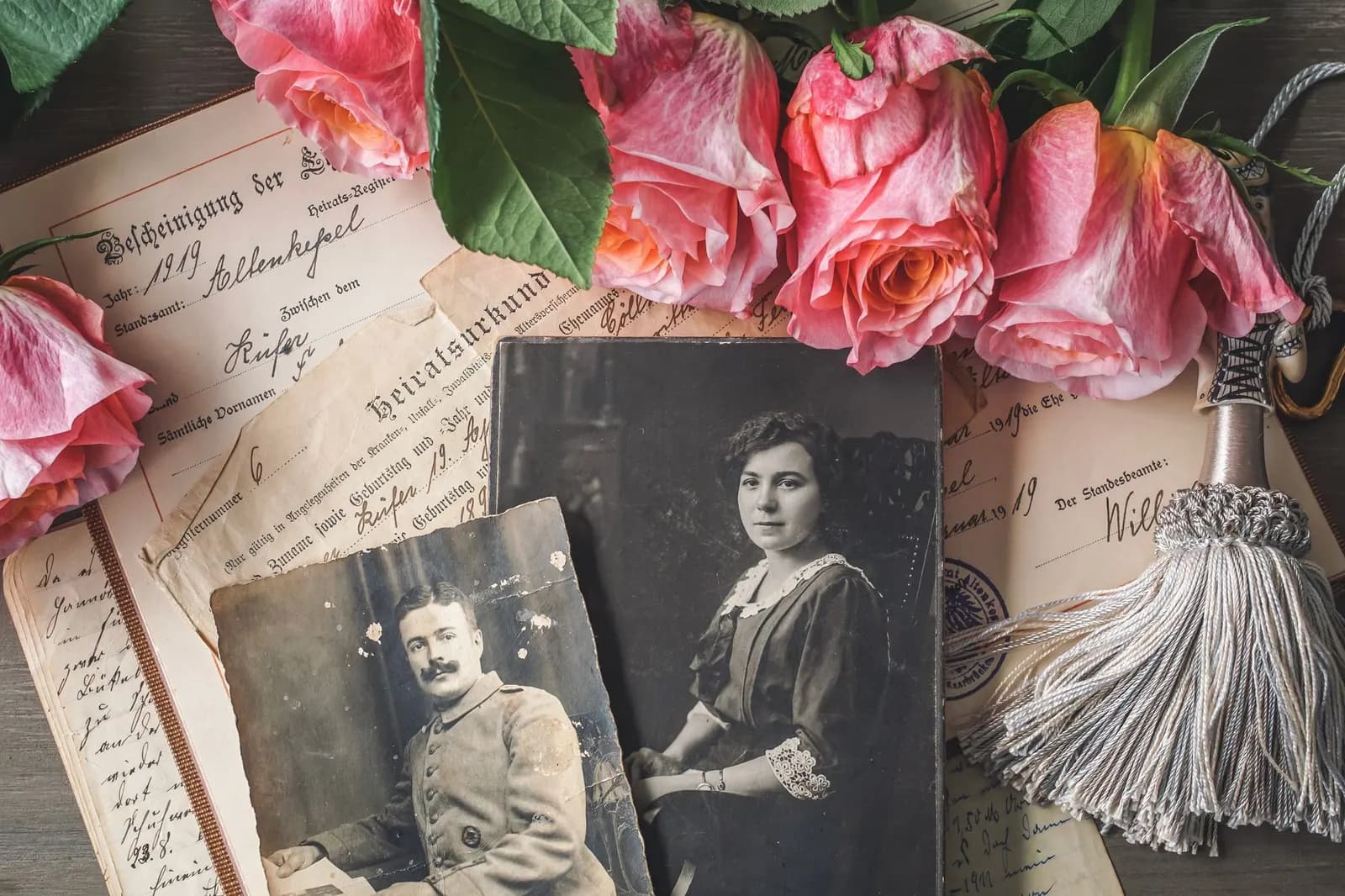
Your phone already holds thousands of photos, and nobody will ever look through them. An archive is smaller and more useful: the wedding album from 1974, the cassette of your grandfather singing, the one photo of the house in the village, the recipe in your grandmother's hand. Start with what would be gone if one cupboard flooded. The camera roll can wait.
Your weekend plan
- Friday evening: decide who keeps it, and what goes inEvery family has one person who ends up holding the photos. Agree that it is you, or who it is. Make a short list of what matters most: the oldest prints, anything only one relative has, recordings of voices, and documents like letters or certificates.
- Saturday morning: gather from every branchAsk each side of the family what they are holding: the shoebox at an aunt's, the albums at your parents', the photos sitting in a family WhatsApp group (read do WhatsApp photos expire? first, because those copies are on a clock). Get copies flowing to one person.
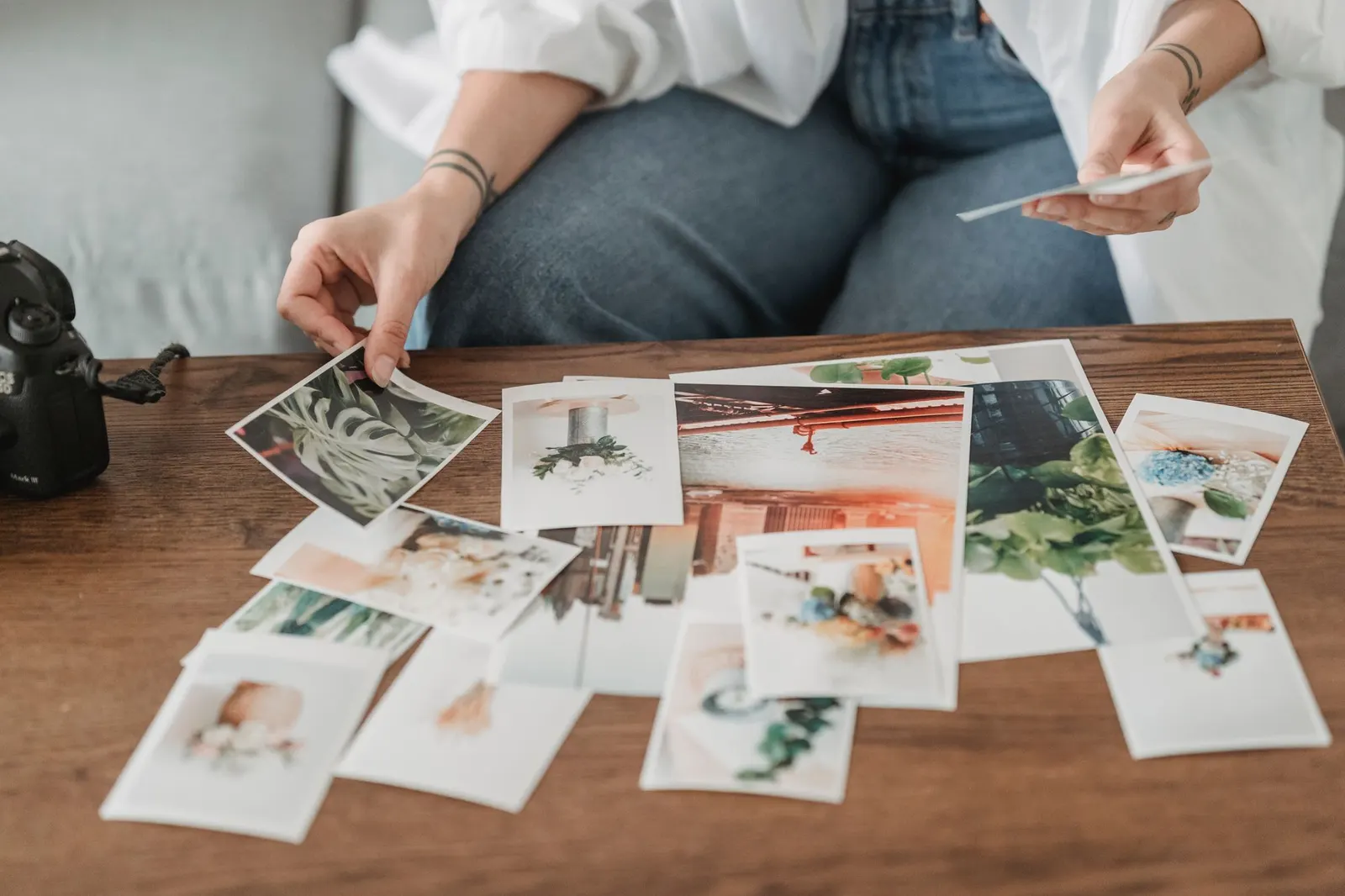
- Saturday afternoon: scan the oldest and most fragile firstUse a flatbed scanner for loose prints, and your phone for anything glued into an album. Do the things nobody else has a copy of before the things everyone has. The settings are in the table below, and How to preserve family photos has the full method.
- Sunday morning: name everyone while you still canSit with your oldest relatives and go through the scans together. Record the conversation on your phone, because the stories are worth as much as the names. Write down who is who, roughly when and where, and how each person is related to you.
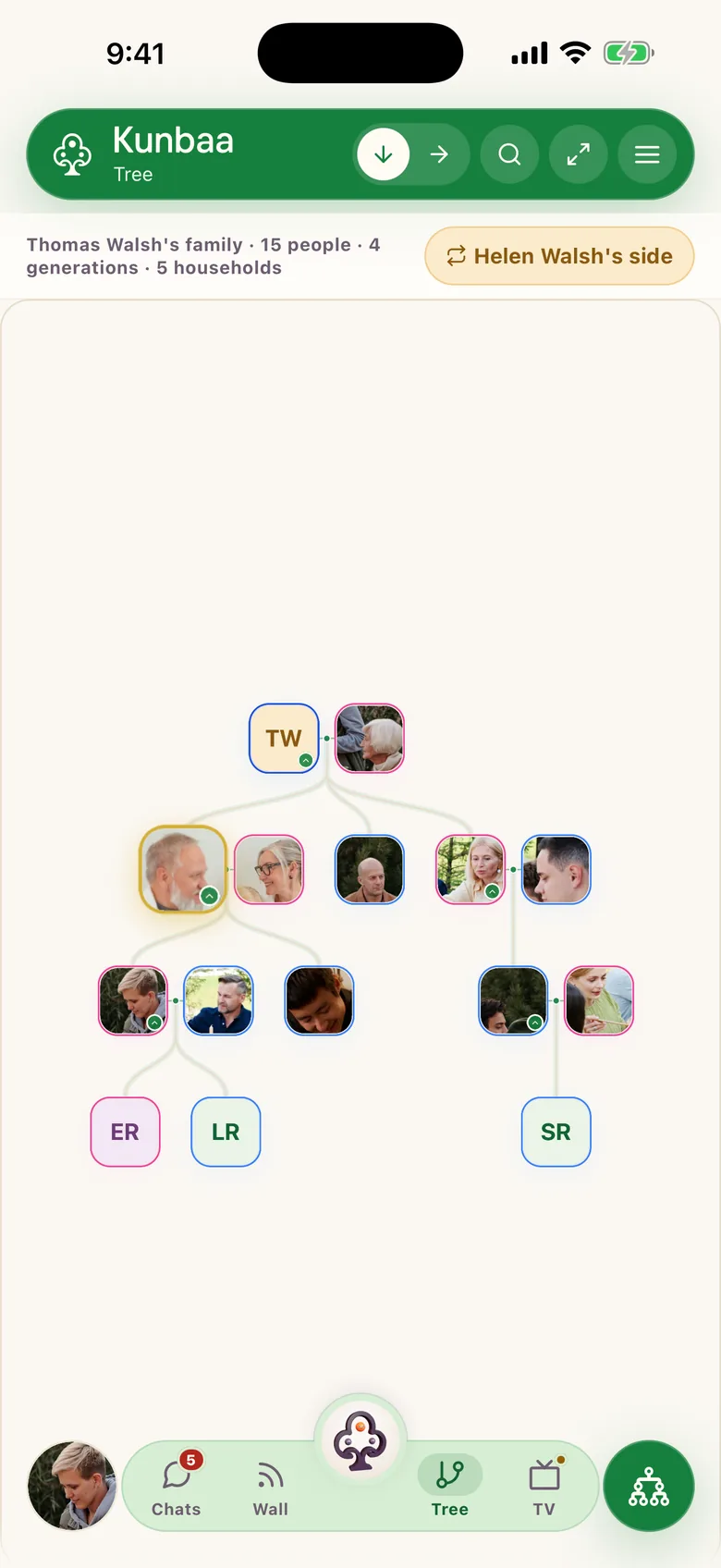
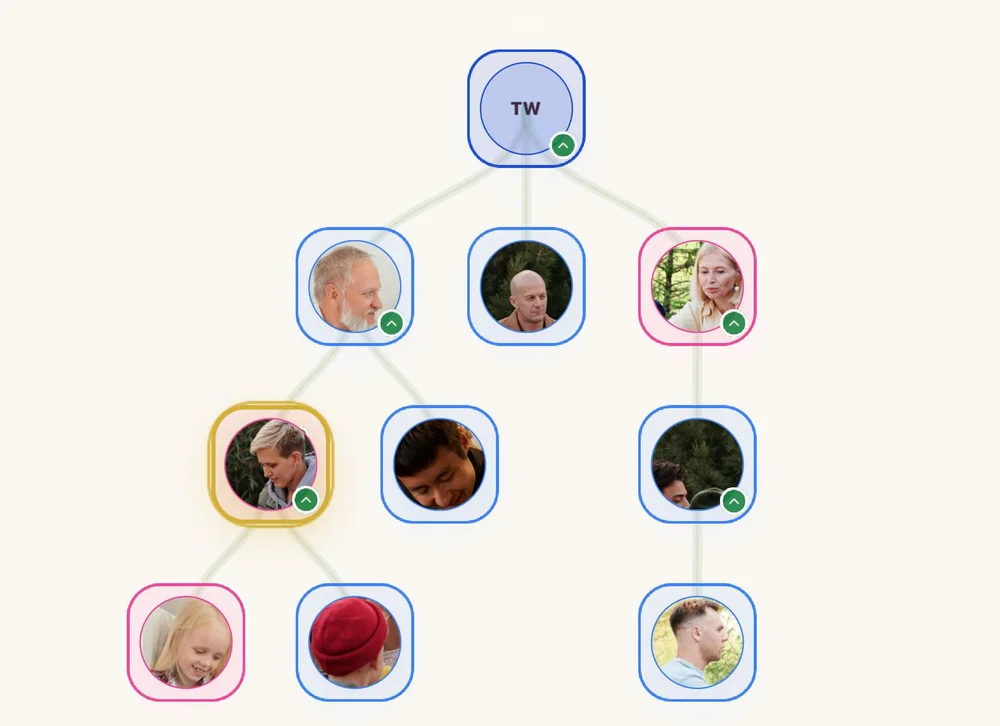
- Sunday afternoon: put it where the whole family can add to itStart a family tree with the people in the photos, so every face has a place. Then post each item to your family's wall with a caption saying who, where and roughly when. On Kunbaa every post with a photo or video gathers in Moments, day by day, and relatives can add what they remember in the comments.
- Sunday evening: keep your own copy of the originalsKeep the full-resolution scans on your own drives, following the 3-2-1 rule: three copies, on two kinds of storage, one of them somewhere else. “Somewhere else” can be another relative's house.
| What you are scanning | How | Setting |
|---|---|---|
| Prints you may want to reprint or enlarge | Flatbed scanner | 600 DPI, saved as JPEG or TIFF |
| Everyday snapshots | Flatbed scanner | 300 DPI, JPEG |
| Letters, certificates, recipes | Flatbed scanner | 300 DPI |
| Photos glued into an album, or brittle | Phone camera, album open flat | Bright, even, indirect light; no flash |
| Slides and negatives | A scanner with a film holder, or a local scanning service | As high as the scanner allows |
Write captions a grandchild can use
Every caption needs three things: who is in it, where it was, and roughly when. Add who took it and why if you know: “Dad, the day he got the job at the railway, Jalandhar, about 1979, taken by Chacha.” A caption written today saves the next generation a guessing game. A marked guess (“about 1979?”) is better than nothing, because it invites a correction.
Record the voices, not only the faces
The recording most families wish they had is a grandparent telling the story behind a photo. Hold up the photo and record two minutes on your phone's voice recorder. On kunbaa.com you can add the recording to a post with a line about what it is. Start with easy questions, like where they grew up or what their first job was, and let the story wander.
A photo with names attached stays a family photo. Without them, it is a stranger's.
Ten minutes a week keeps it going
- Every Sunday: post three photos and one caption you had been meaning to write.
- Once a month: one voice note from an elder, or a teenager interviewing one.
- Each season: an hour together tidying names and dates. Put it in Events so the family sees it coming.
- After every family gathering: one person collects everyone's photos into the archive before they scatter across phones.
What to check before you choose where it lives
- Is it invite-only?
- Can you choose who sees each post?
- Can every relative add to it, or only the person who pays?
- What happens to the archive if you stop paying?
- Can you get a copy of everything out?
- The family space is invite-only, with no public feed and no search.
- Each post goes to everyone in the family, or, on Kunbaa Plus and Ultra, to the extended family or to your household (who can see a post).
- Everyone in the family joins free and can post.
- The archive is never deleted for non-payment.
- There is no self-serve export button yet, but you can email us and we send a complete copy of photos, videos, voice notes and the tree (getting your data out).
Frequently asked questions
- What should go into a family archive first?
- Whatever nobody else has a copy of: the oldest prints, recordings of voices, letters and certificates. Scan the oldest and most fragile things first, and leave the camera roll for later.
- Should I scan with my phone or a scanner?
- Use a flatbed scanner for loose prints and documents, at 600 DPI for photos you may reprint and 300 DPI for snapshots and papers. Use your phone, in bright and even indirect light, for photos glued into albums or too brittle to remove.
- How much can a family store on Kunbaa?
- The free plan has enough shared space to build the tree and start the photos. Kunbaa Plus keeps the whole family's archive, and one person's subscription covers everyone. Kunbaa does not publish a storage figure; the usage page shows where your family stands.
- What happens to our archive if we stop paying?
- Nothing in it is deleted. Everything stays readable to the whole family; adding new memories is limited to the free allowance until someone renews.
- Can I get a copy of everything out?
- Yes, by email. There is no self-serve export button yet: email support from the address on your account and we put together a complete copy of your family's photos, videos, voice notes and tree.