The short answer
To share family photos privately, use a place that passes four tests. Only the people you invited can see it. You choose who sees each photo (on Kunbaa, with Kunbaa Plus and Ultra). Nothing is public: no search, no feed for strangers, no profile anyone can find. And the photos keep their names and stories, so you can find them next year. Social media fails the first and third tests by design. A family group chat fails the last, because photos sink under newer messages. A private family space is built to pass all four.
What “private” should mean for family photos
A private account on a social network is still a social network: it is built to grow your audience, it shows your relatives ads, and it decides what they see. Private, for a family, means something narrower. The people you invited, and nobody else. The baby's first bath goes to the grandparents, not to the neighbour from university who follows you.
| Where the photos go | Only people you invited | Choose who sees each photo | No public side | Easy to find next year |
|---|---|---|---|---|
| Social media, private account | Mostly; followers add up | Partly, by lists | No | Somewhat, in a feed |
| Family group chat | Yes | No: the whole group sees all | Usually | No: buried under new messages |
| Shared cloud album | Yes, if the link stays private | One album, one audience | Yes | Yes, if someone names the albums |
| Yes | Per email | Yes | No | |
| Private family space | Yes | Yes, on Kunbaa Plus and Ultra | Yes | Yes: by date, by person, on the tree |
Set up a private family space in an evening
- Start with the people closest to youBegin with your household and the two or three relatives who will actually post. A space with ten photos and four active people beats an empty one with forty invites.
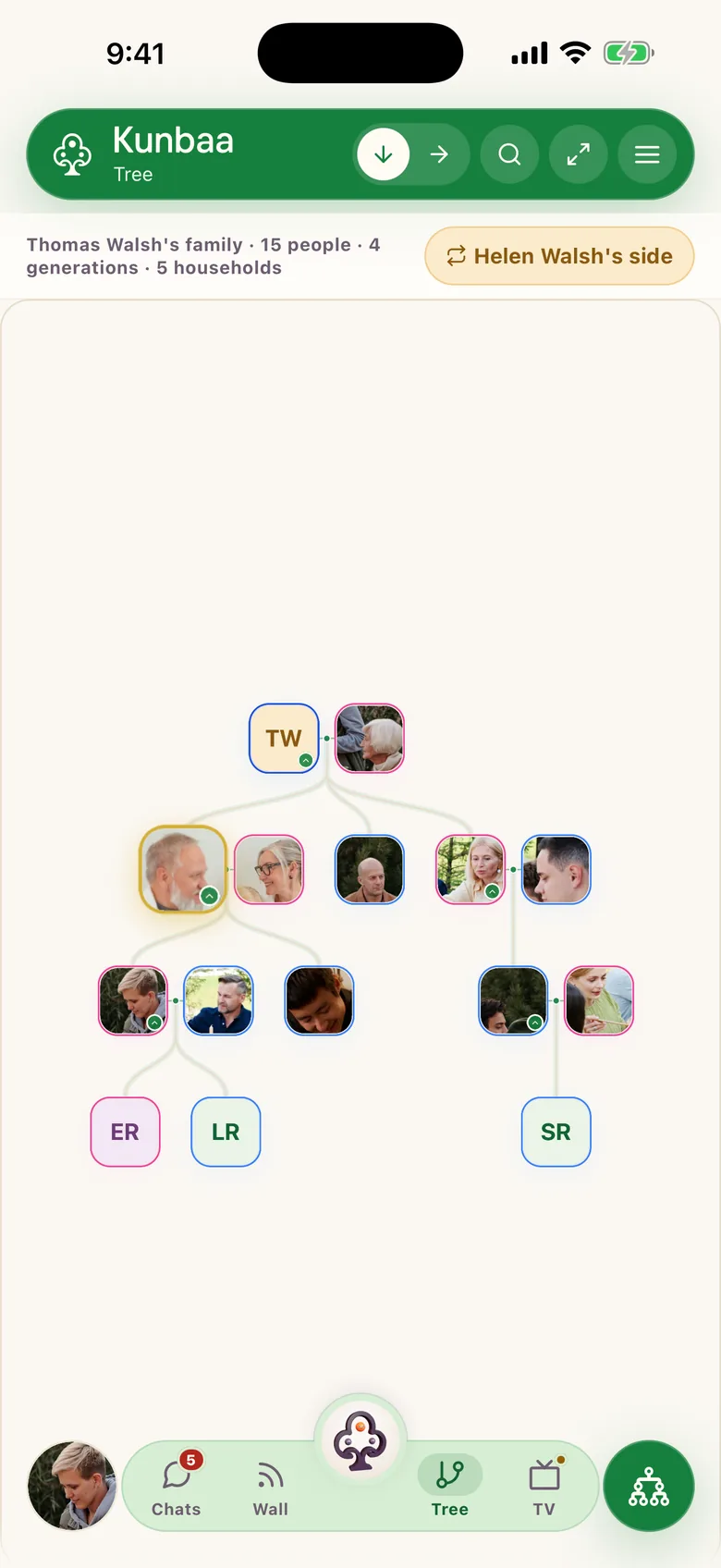
- Put everyone on the family treeOn Kunbaa, who counts as your household or your extended family is worked out from the family tree. Add your parents, partner, children, siblings and grandparents first, so the audience choices mean what you expect.
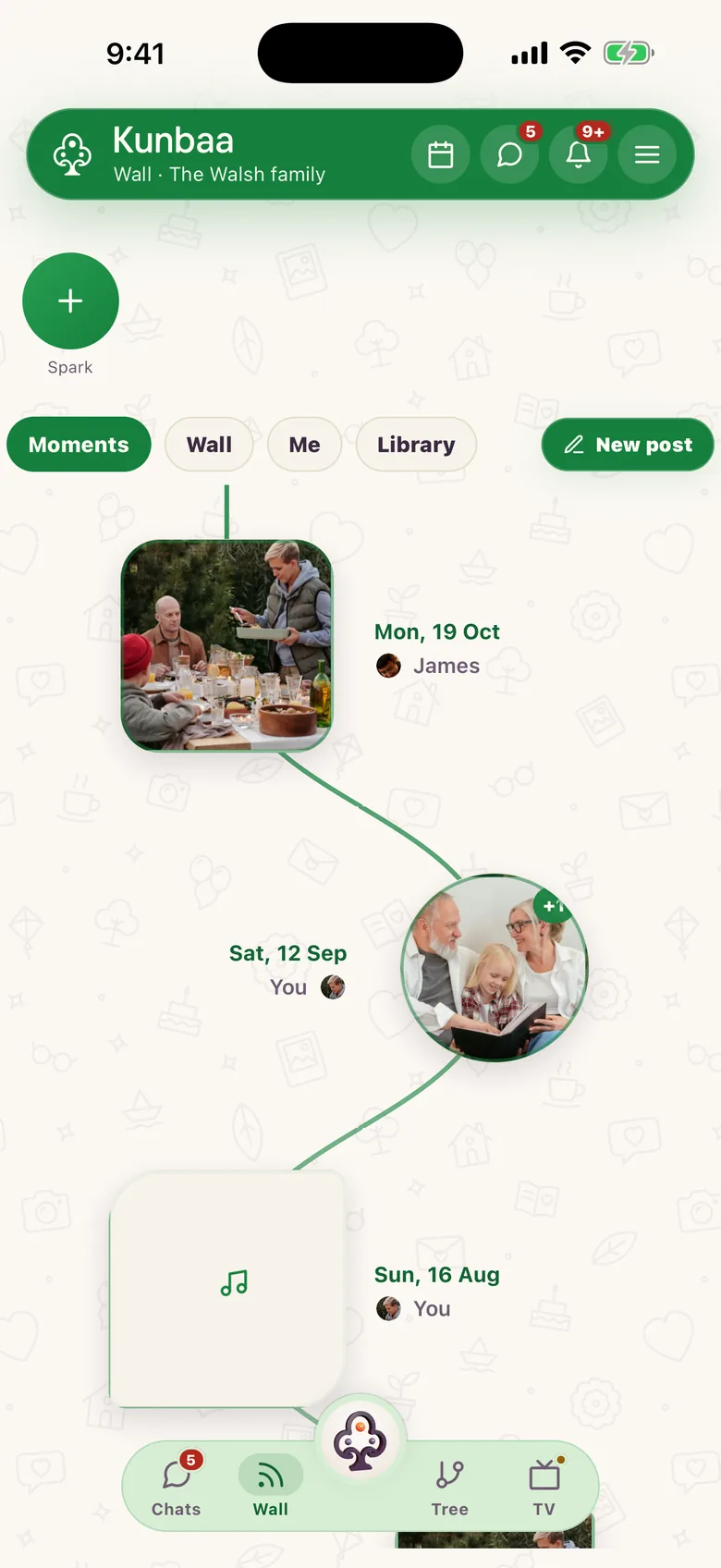
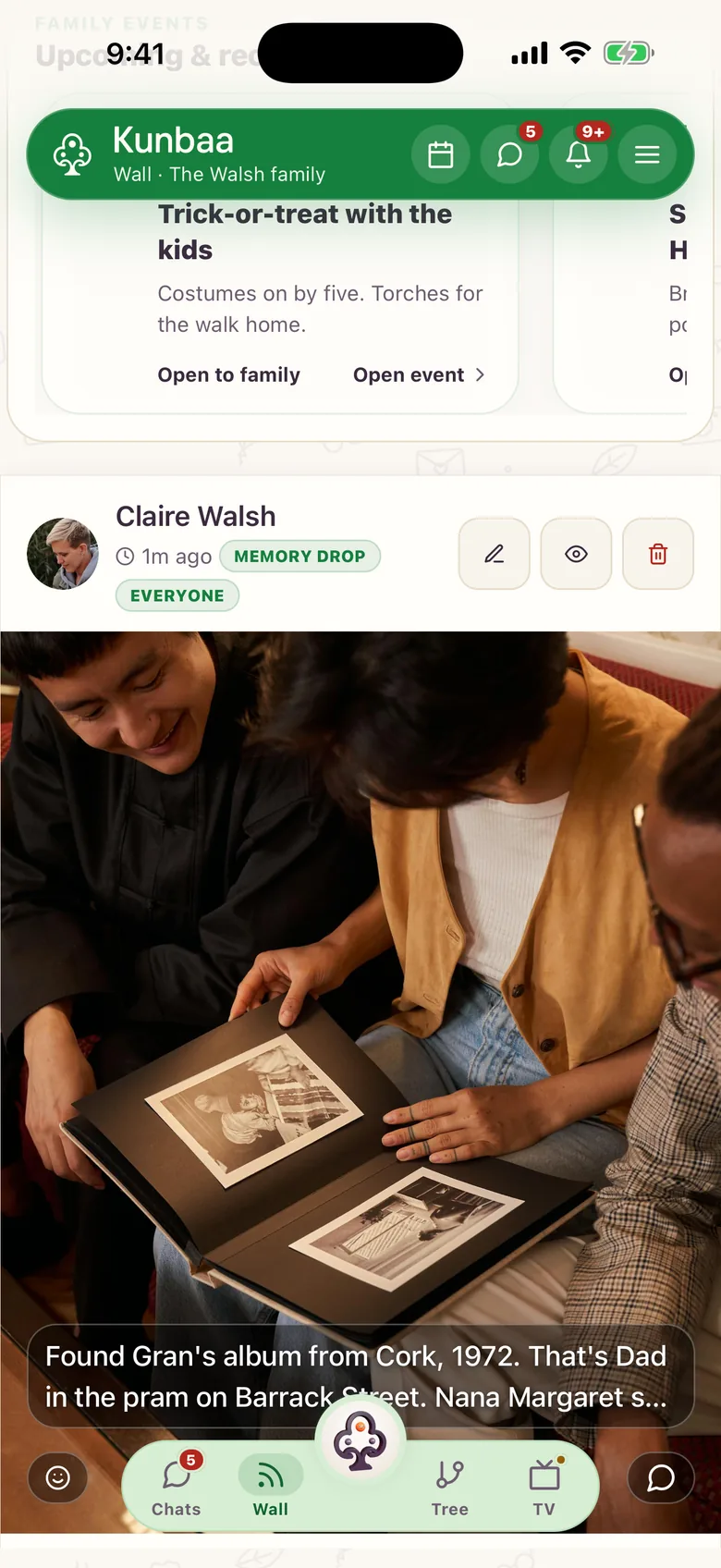
- Post the first photos with their storyPost a handful of photos to the family wall, each with a line saying who, where and roughly when. Every post with a photo or video gathers in Moments, day by day.
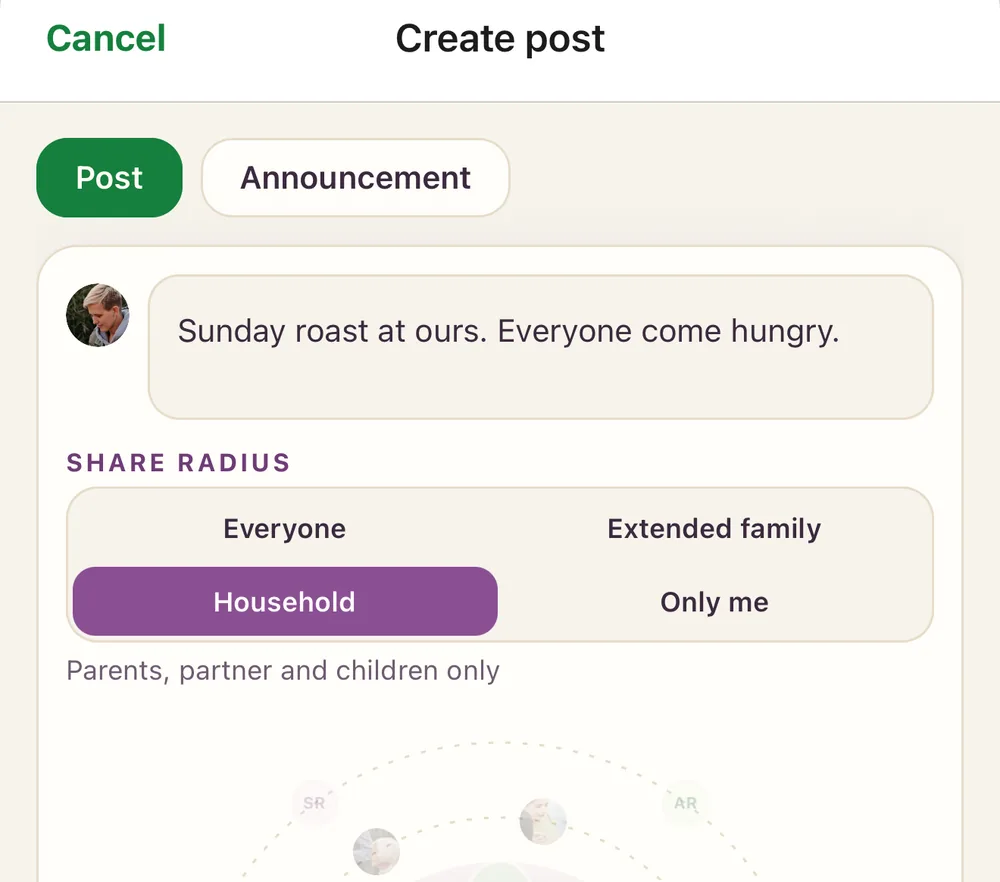
- Choose who sees each post on Kunbaa Plus and UltraOn Kunbaa Plus and Ultra, above each post you choose Everyone in the family, Extended family (grandparents, aunts, uncles, siblings, cousins and their partners) or your Household (parents, partner and children). The rule is applied on Kunbaa's servers, so someone outside the audience never receives the post (who can see a post).
- Bring the grandparents in properlySit with them for ten minutes: install the app or open kunbaa.com, sign in, and show them the wall and how to comment. Setting up a parent or grandparent has the steps.
- Move the photos that are at riskThe photos in the family WhatsApp group are the ones most likely to go missing. Save the ones that matter and post them with their story; do WhatsApp photos expire? explains why.
A family space is not a smaller social network
Social platforms are built for reach: more followers, more time in the app, more ads seen. A family space is built for the opposite. Nothing is recommended to strangers, no algorithm decides which cousin's news you see, and a quiet week is fine. On Kunbaa your family's data is never sold, and nothing you share trains an AI. Kunbaa is paid for by its plans, not by your family's photos. If you are leaving a platform for your family photos, the comparisons with Facebook and Instagram go point by point.
The baby's first bath goes to the grandparents, not to the neighbour from university who follows you.
Habits that keep family photo sharing kind
- Ask before posting a photo of an adult relative, and take it down if they ask.
- Use Household for the everyday photos of young children; share the milestones with everyone.
- Write the caption for a reader in thirty years, not for the group today.
- Leave comments on: that is where the stories come out (“that's the house on Barrack Street”).
- A relative who is being unkind can be muted from their profile. You stop seeing their posts, and they aren't told.
If you are comparing family photo apps
Album apps for young children are good at one job: a private feed of baby photos for the grandparents. Check whether the app covers the whole family, not only the children, and whether everyone has to pay. On Kunbaa everyone in the family joins free; one person's Kunbaa Plus keeps the whole family's archive. The comparisons with FamilyAlbum and Tinybeans set out the differences, and private family photo sharing shows how it works on Kunbaa.
Frequently asked questions
- What is the most private way to share family photos?
- A family space that only invited relatives can open, where nothing is public or advertised and, on Kunbaa Plus and Ultra, you choose who sees each photo. A group chat is private but loses photos under new messages; social media is built to reach beyond the people you chose.
- Can I share some photos with only my household?
- Yes. On Kunbaa each post can go to everyone in the family, to your extended family, or only to your household: your parents, partner and children.
- Can I change who sees a post after I share it?
- Not yet. Choose the audience when you post; if you picked the wrong one, delete the post and share it again.
- Is Kunbaa end-to-end encrypted?
- No. Your photos travel encrypted between your phone and Kunbaa's servers, but content on the servers is not end-to-end encrypted. What keeps it private is that only your invited family can open it, with no public feed and no data sold.
- Do photos lose quality?
- Slightly. Very large photos are resized to upload quickly and still print well, and wall videos are stored at up to 720p. Keep your originals as well.