Skip to content
Template-first planning

Family Tree Template You Can Actually Keep Updating

Start with a simple template for names, generations, and relationships. Then turn it into a living online tree where the photos and stories are kept with the names and dates written down.
  • Use a simple structure before the tree gets complex.
  • Collect the right names, dates, and family links from the start.
  • Move from a static template to a shared family tree when you are ready.
  • Everyone in the family joins free
  • Private by default
  • Photos and stories included
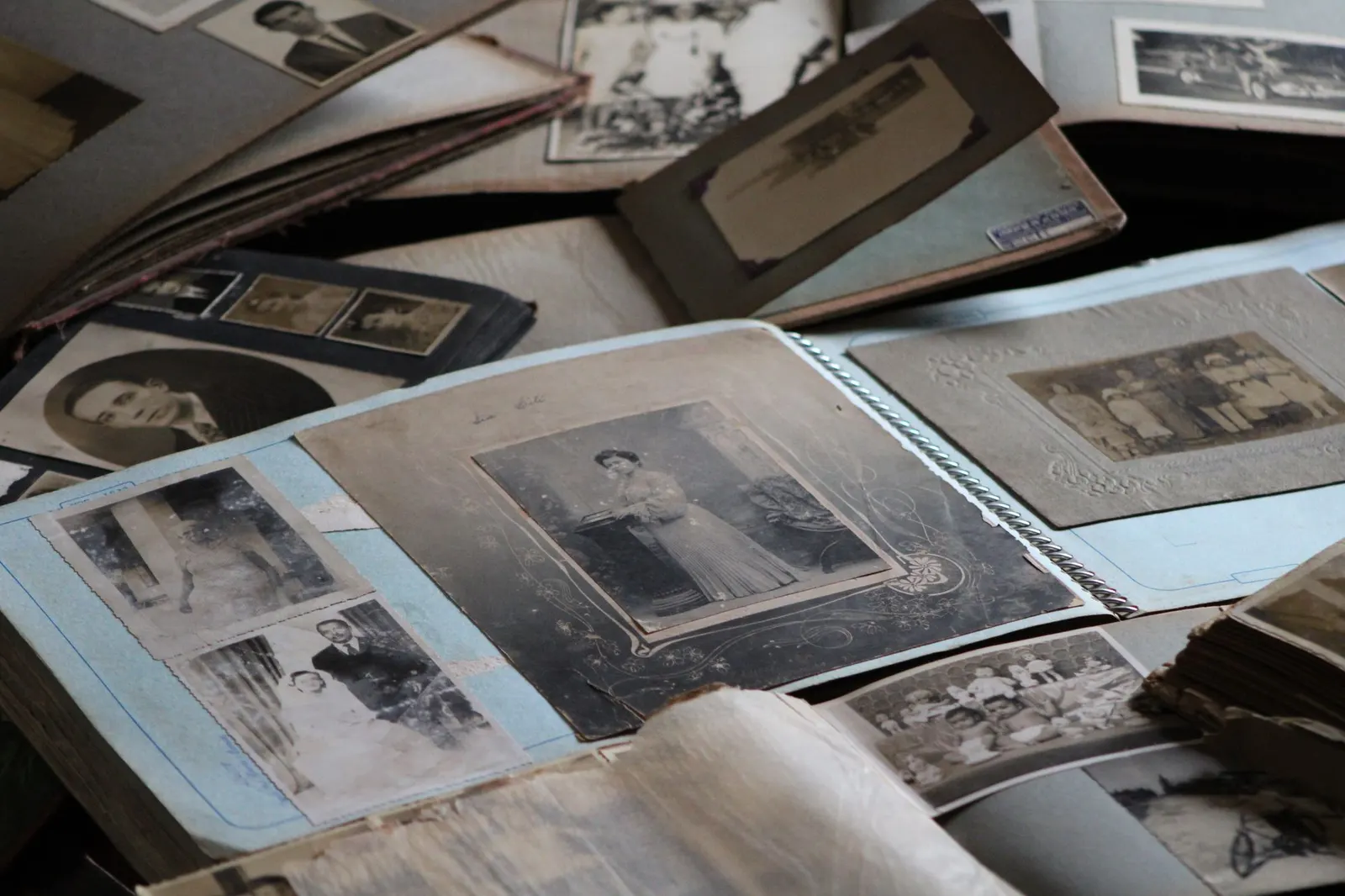
An open album of old black-and-white family photographs
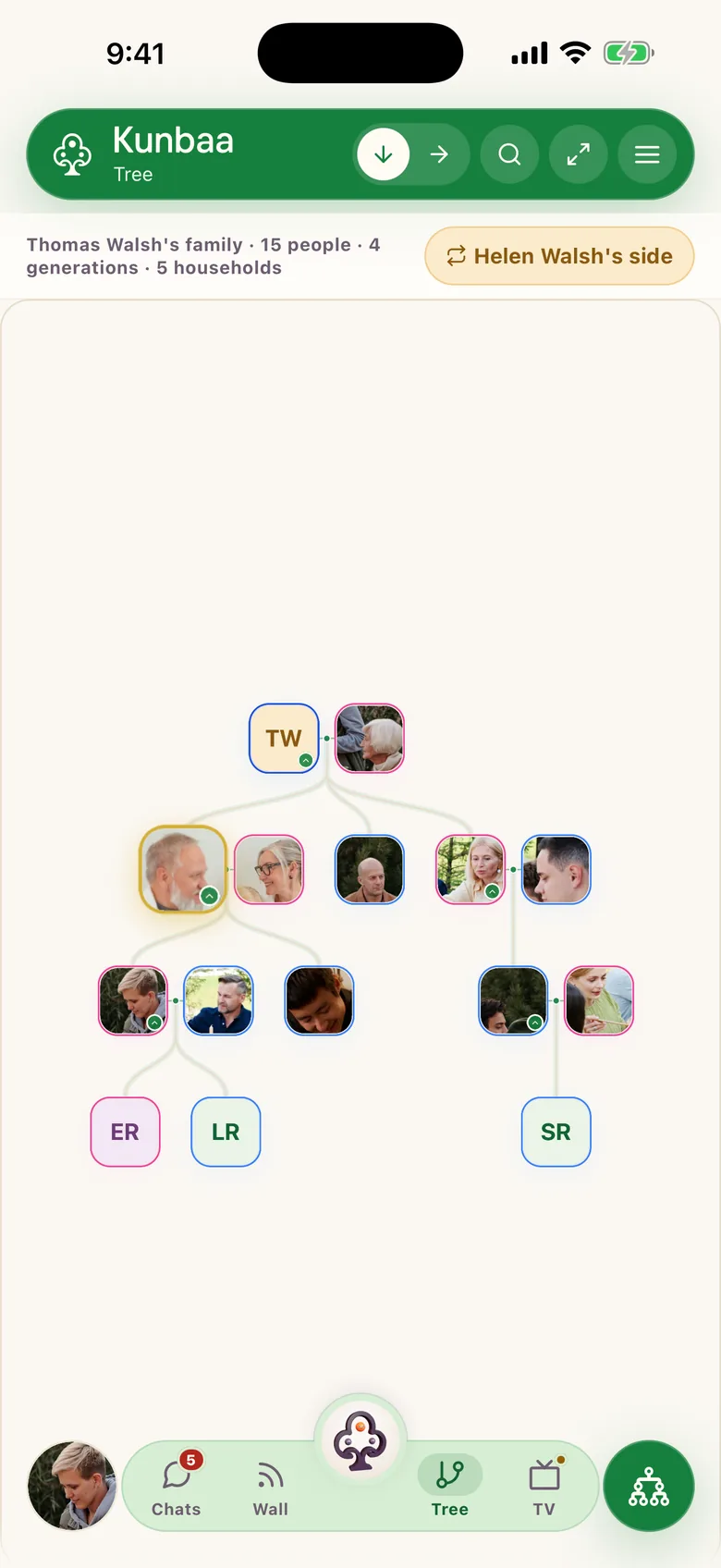
The Kunbaa family tree on a phone: four generations of the Walsh family (sample family), with photos on the adults and initials for the children
A template is easier to complete when relatives gather names, dates, photos, and open questions first.

A simple template framework

  1. 1
    Person

    Name, nickname, and birth year so relatives can recognize the right person quickly.

  2. 2
    Relationships

    Parents, siblings, partner, and children so the family structure stays understandable.

  3. 3
    Context

    Photos, places, and short notes so the template does not become just a list of names.

How to use a family tree template well

  1. 1

    Choose the scope first

    Decide whether you are mapping a single household, one grandparent line, or a wider multi-generation family before you fill anything in.
  2. 2

    Fill the closest generations first

    Templates stay clearer when you begin with the people closest to the starting person and expand outward gradually.
  3. 3

    Add context that prevents confusion

    Birth years, locations, nicknames, and relationship notes stop the family mixing up similar names later.
  4. 4

    Move to a living tree when the template gets crowded

    A static template is for planning. Once you want photos, collaboration, and updates, an online tree takes over without redoing the work.

A useful family tree template should include

Clear generations

The structure should show how parents, grandparents, children, and side branches connect without guesswork.
GGrandmaGGrandadMMumDDadAAuntYYouSSisterCCousin

Space for names and dates

The best template leaves room for birth years, maiden names, and clarifying details where needed.

Room for notes and photos

Families remember people through stories and images. A template that only holds names loses the part worth keeping.

A path to ongoing updates

If your family wants to keep contributing, the template should lead into a shared digital tree rather than becoming a dead-end file.

Starter template fields

These are the fields most families need before they turn a basic template into a fuller online family tree.

  • Full name or household nickname
  • Birth year or approximate age
  • Parents and partner connections
  • Children and sibling relationships
  • Hometown, migration notes, or family region
  • One memory prompt or photo per person where possible

When a template is enough, and when you need a tree

A family tree template is great when you want to sketch the structure, collect names, or prepare questions for older relatives. It gives you a simple starting framework and takes the fear out of beginning.

The template's limit is that it only holds structure. And it never says who is in the wedding photo. The moment you want the names, the place and the date written alongside it, or want cousins in three countries adding their side, you need a living tree. Kunbaa starts with the same simple logic as this template, keeps the photos and stories with the details written down, and is free for the whole family to join.

Simple template outline
Name
Use the family name people recognize first.
Born
Exact date if known, otherwise year or estimate.
Parents
List the parent links that place this person correctly.
Partner
Include spouse or partner where relevant.
Children
Add direct descendants before wider side branches.
Notes
Short memory, place, role, or identifying fact.

More family tree guides

Continue with the next guide that matches where your family is in the setup process.

Frequently asked questions

Clear answers for families who want to start a private family tree with less friction.

More questions? Read the full FAQ or the help centre.

Is a family tree template good for beginners?

Yes. A simple template is often the easiest way to collect names and relationships before you decide how detailed the tree should become.

Should I use a blank template or software?

Use a blank template to plan and to interview relatives. Move to software when you want to keep updating the tree, keep the photos with the names and dates recorded, or collaborate. A static file cannot hold the memories.

What fields matter most in a family tree template?

Names, relationships, generations, approximate dates, and short identifying notes. One photo or memory prompt per person makes the template far more valuable.

Can I turn my template into an online family tree later?

Yes. Many families sketch the structure first, then build it in Kunbaa so relatives can add the stories, photos, and missing branches. Starting the online tree is free for the whole family.

Family Tree Template You Can Actually Keep Updating guide

A family tree template is a good starting point, not the destination

Many people search for a family tree template because they want a simple, low-pressure way to begin: collect the names, see the missing branches, and prepare questions for older relatives without committing to software. That instinct is right, and the fields above are all you need for a first pass.

The limit shows up quickly: a template holds structure, but family memory is photos, voice notes, and stories, and those need somewhere that records what they are. A filled-in template that sits in a drawer answers "who is related to whom". It never answers "who is that in the photo, and when was it?"

Use the template mindset, then keep the story alive

Kunbaa works well for families who like the simplicity of a template but want something the family keeps updating. Start with the same basic fields, then add the photos and stories with the names and dates written down, and invite relatives to add their side. The tree is free for the whole family. Create it online when your sketch is ready, or read the step-by-step guide for the full method.

Everyone belongs on the tree. Start yours today.

Start free, invite relatives to add their own side, and keep your family history in one calm private space.